A new feature in our event system, MConference. Content blocks provide greater flexibility and new ways to present content in a more accessible and visually appealing manner.
Content Blocks — a new way to build content
We’ve introduced a new feature — content blocks — that allow you to create pages in a more flexible and modern way. Instead of a classic text editor and a single image, you can now build your content using ready-made elements, giving you full control over layout and appearance.
Content blocks are available in:
- static pages
- articles
- the event homepage (on the website)
With them, you can prepare attractive, clear, and more engaging content for participants — faster and more conveniently than before.
Why content blocks?
Until now, static pages and articles were mainly based on text and a single image. In practice, this often proves insufficient — especially when you want to present more visual materials, videos, or organize information in a clearer way.
Content blocks solve this problem by replacing the previous approach and significantly expanding its capabilities.
This functionality was previously available when creating the event homepage. Now it has been extended and is also available in articles and static pages.
Thanks to this, you can fully present, for example:
- hotel information
- practical tips
- organizational details
- any other content requiring a more advanced format
How to add a content block?
Creating a page or article works similarly to before — with one important change.
Instead of the classic text editor and image upload widget, you now have access to the “Add content block” button.
After clicking it, a Text block will be added, which you can easily change to another type, such as:
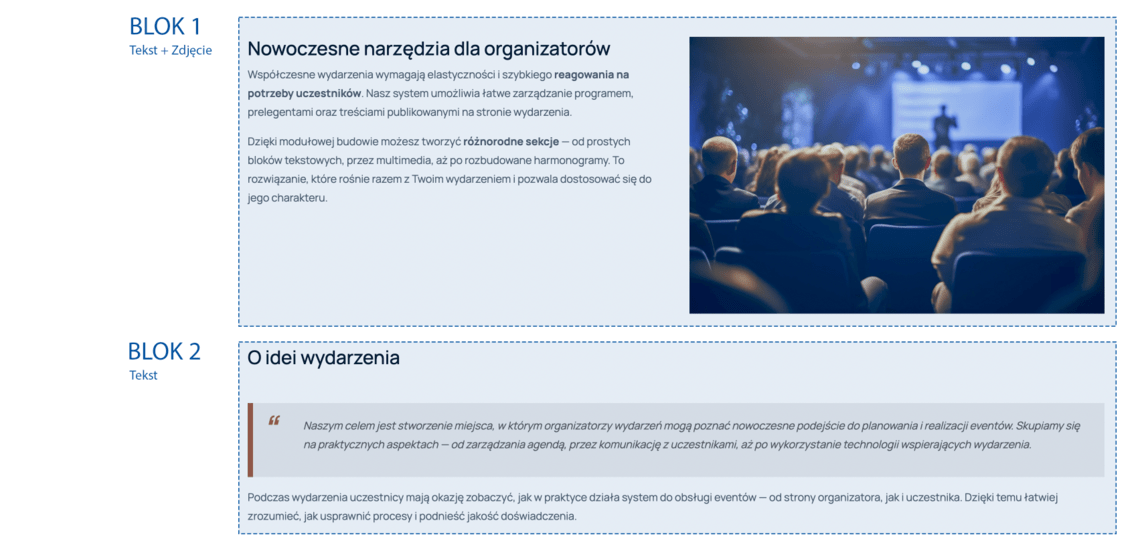
- Text + image
- Text + video
- Video (YouTube, Vimeo)
- Button
- Map
- Custom HTML

Editing and arranging blocks
You can freely adjust content blocks to your needs:
- change their order (by dragging them up or down)
- edit settings (e.g., margins) using the gear icon
- combine different block types on a single page
All blocks are responsive, which means they display correctly on both large screens and mobile devices.
Additionally, they are unified — so you can use them both on the event website and in the mobile app.
What’s next?
Content blocks are the foundation for further editor development. In upcoming updates, we will add new block types and expand customization options.
